Cooking Sessions
Cook hands-free with voice guidance
Step-by-step guidance with text-to-speech voice reading, multiple simultaneous timers, and voice commands. Keep your hands on the food, not your phone.
From recipe to finished dish
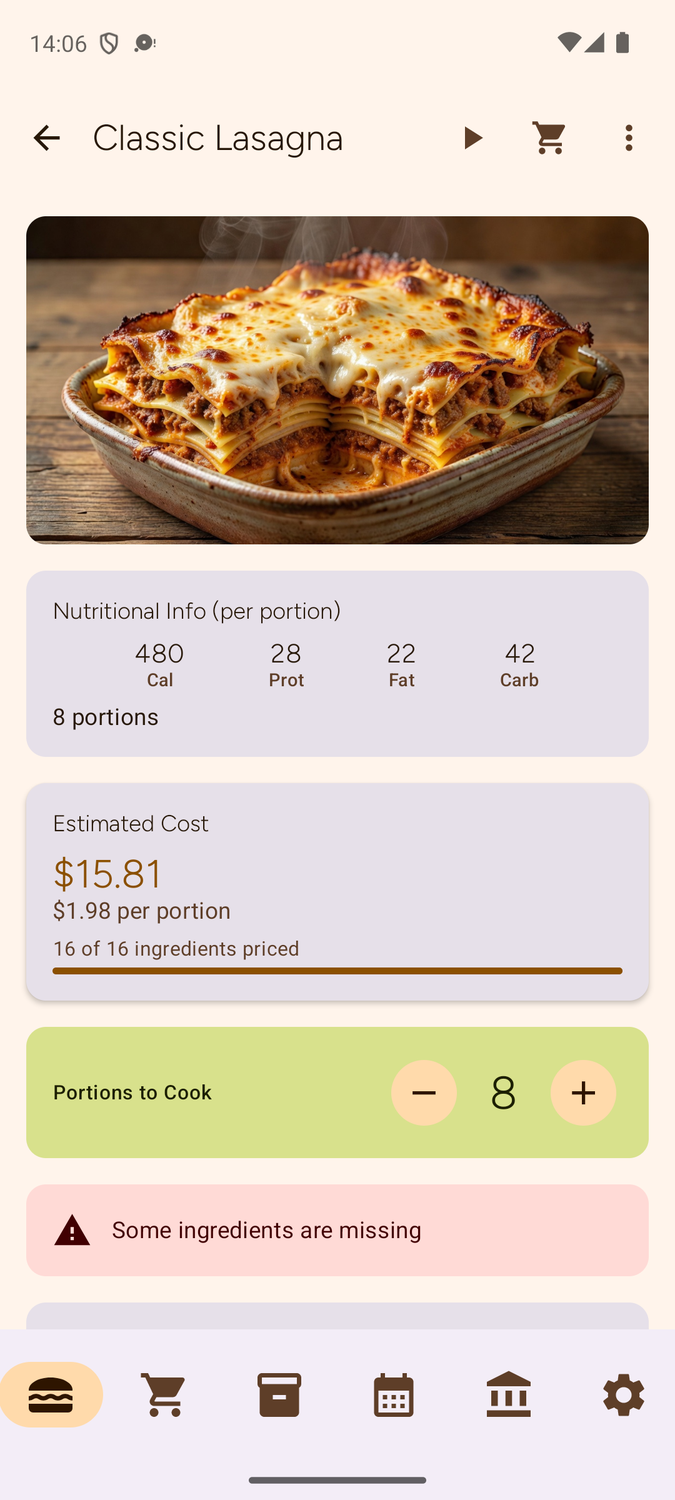
Select
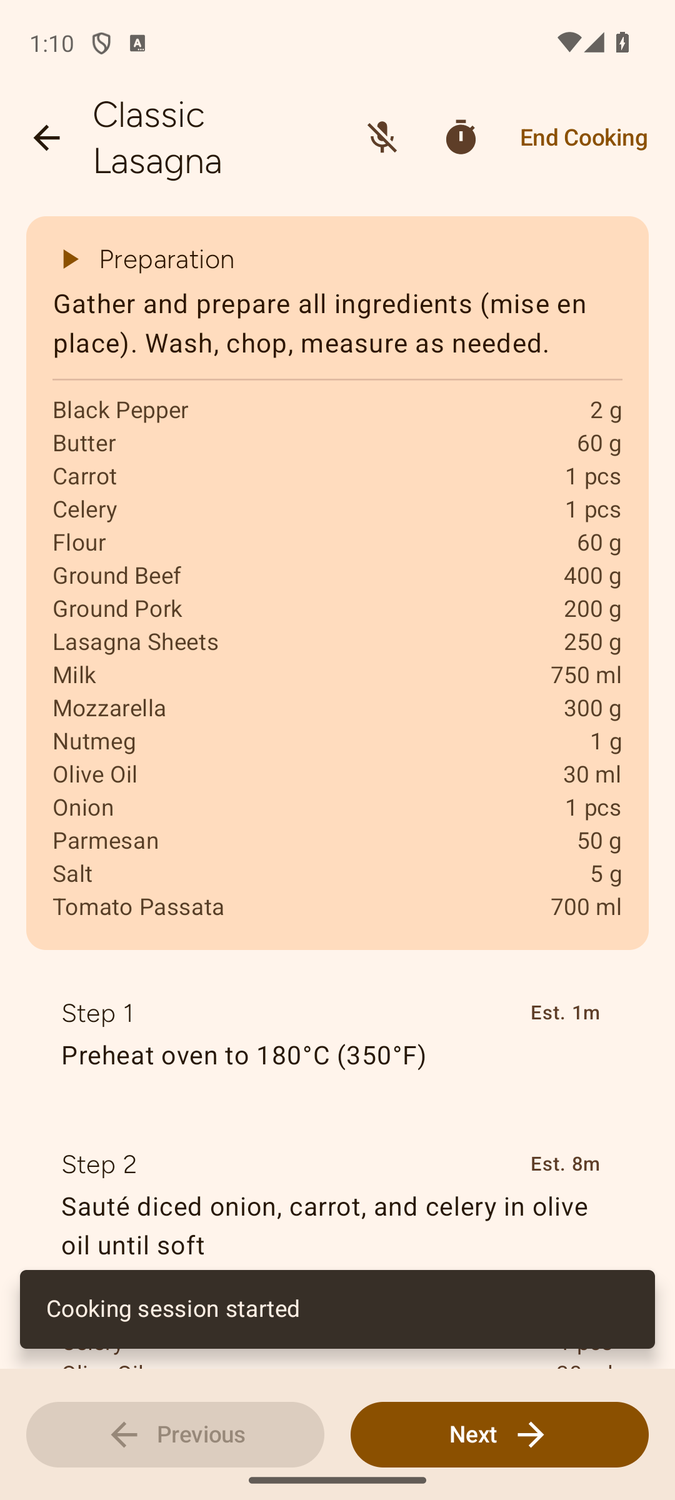
Cook
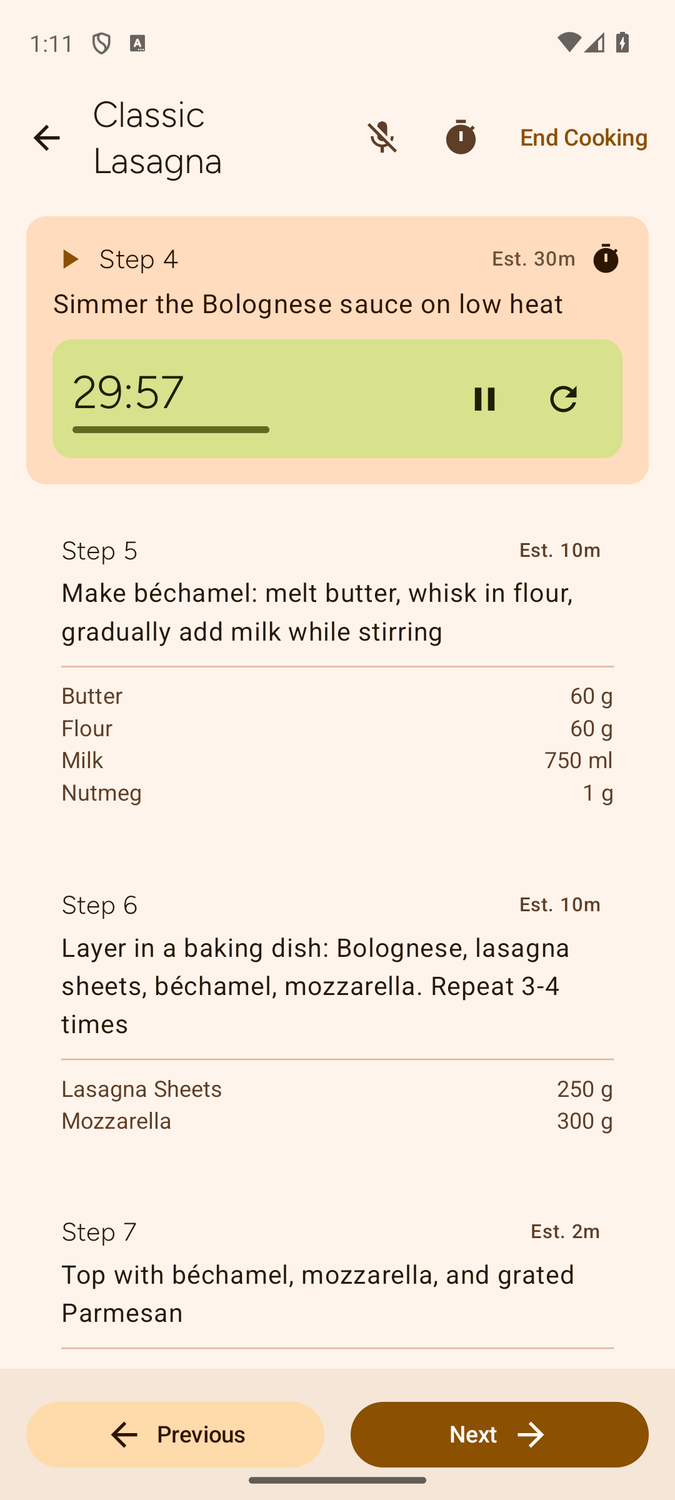
Time
Step-by-Step Guidance
Each cooking step shows you exactly what to do, with the relevant ingredients and equipment highlighted. Swipe or use voice commands to navigate between steps. The large text is easy to read from across the kitchen.
Voice Assistant Demo
Listen to how Robotato reads cooking steps aloud. Change the language to hear localized recipes.
Step 1 of 7
Cut pork belly into lardons. Dice onion and carrot. Mince garlic
Cut pork belly into lardons. Dice onion and carrot. Mince garlic
Ingredients
Multiple Simultaneous Timers
Run as many timers as you need. Boiling pasta while roasting vegetables and simmering a sauce? Each timer runs independently with alarm notifications, even when the app is in the background or your screen is off.
Voice Commands
Keep your hands free and your phone clean. Voice commands let you control the cooking session without touching the screen:
- "Next" / "Previous" — navigate steps
- "Read" — read current step aloud
- "Timer 5 minutes" — start a timer
- "Stop" — stop voice listening
Session Summary & Stats
After each cooking session, see a summary of your performance: total cooking time, steps completed, timers used, and more. Earn milestone badges as you cook more recipes. Track your improvement over time and build your cooking confidence.
Auto-Pantry Deduction
When you finish cooking, all ingredients used are automatically deducted from your pantry. Quantities are scaled to your actual portion count. The system uses FIFO ordering — items closest to expiration are consumed first, minimizing waste.